Release v0.2.0
v0.2.0 — Planetfall
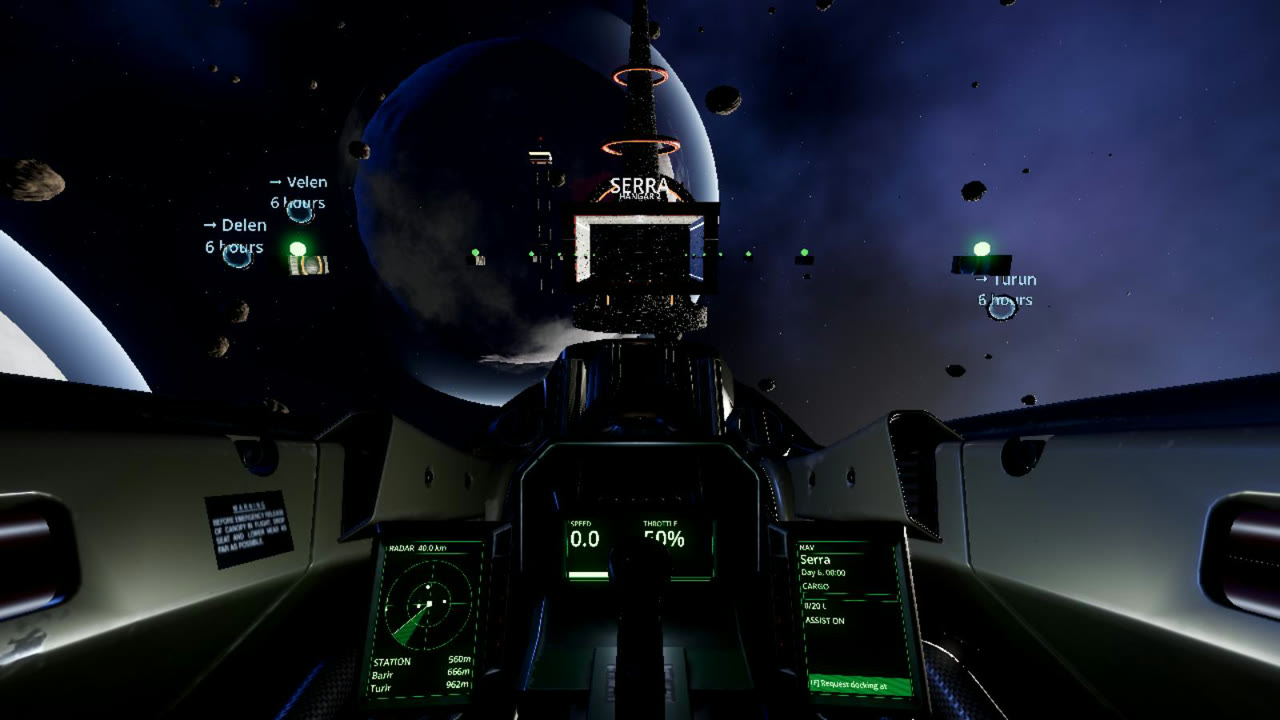
You can now land on planets: a cockpit with live instruments, a 20-second descent to a spaceport, cities with traffic in the sky, and a ship you can walk through.
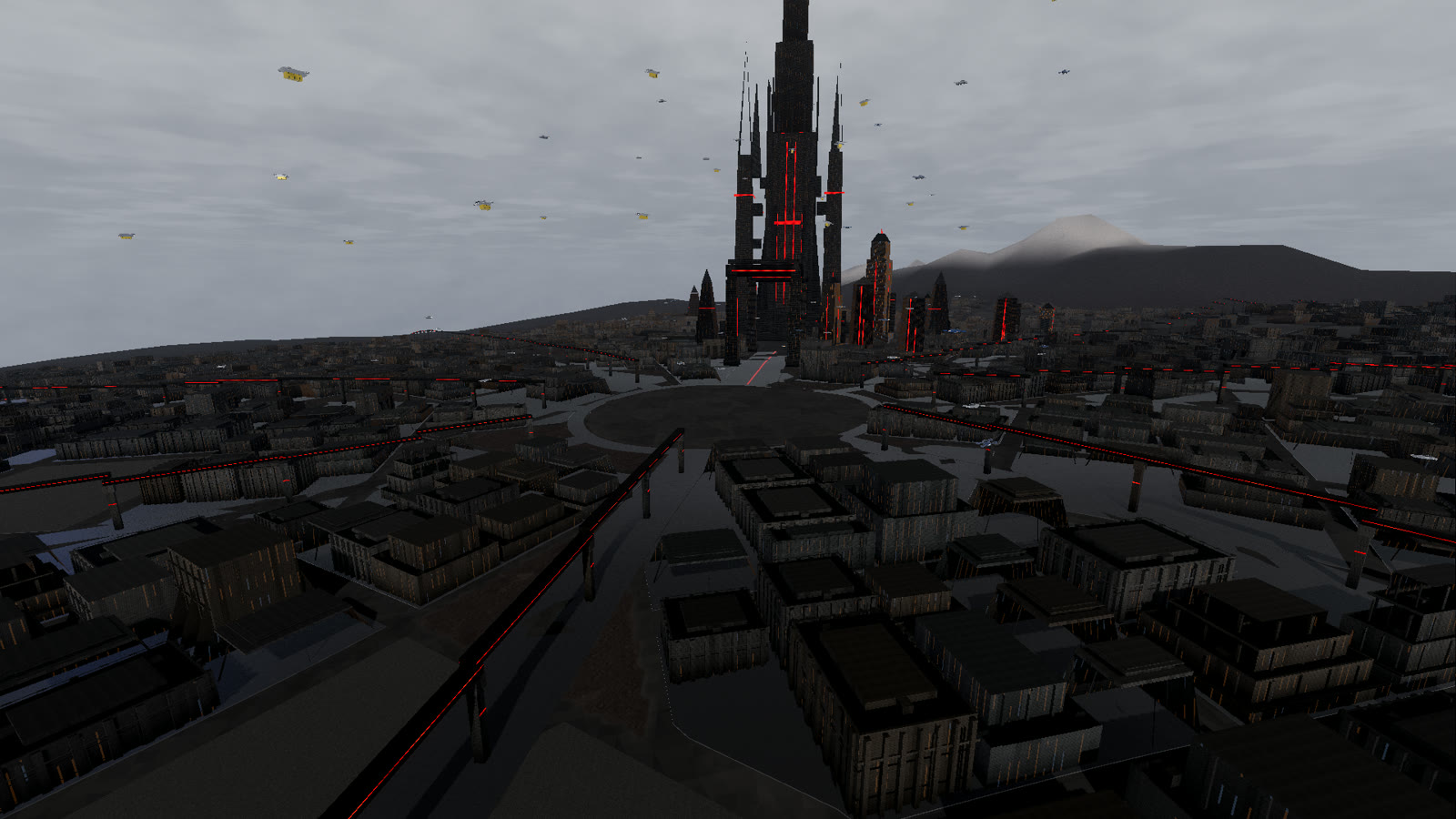
In v0.1.0 planets were scenery. In v0.2.0 you can fly down to them. Every inhabited world has cities, every city has a spaceport, and the way down takes twenty seconds.
What is in v0.2.0
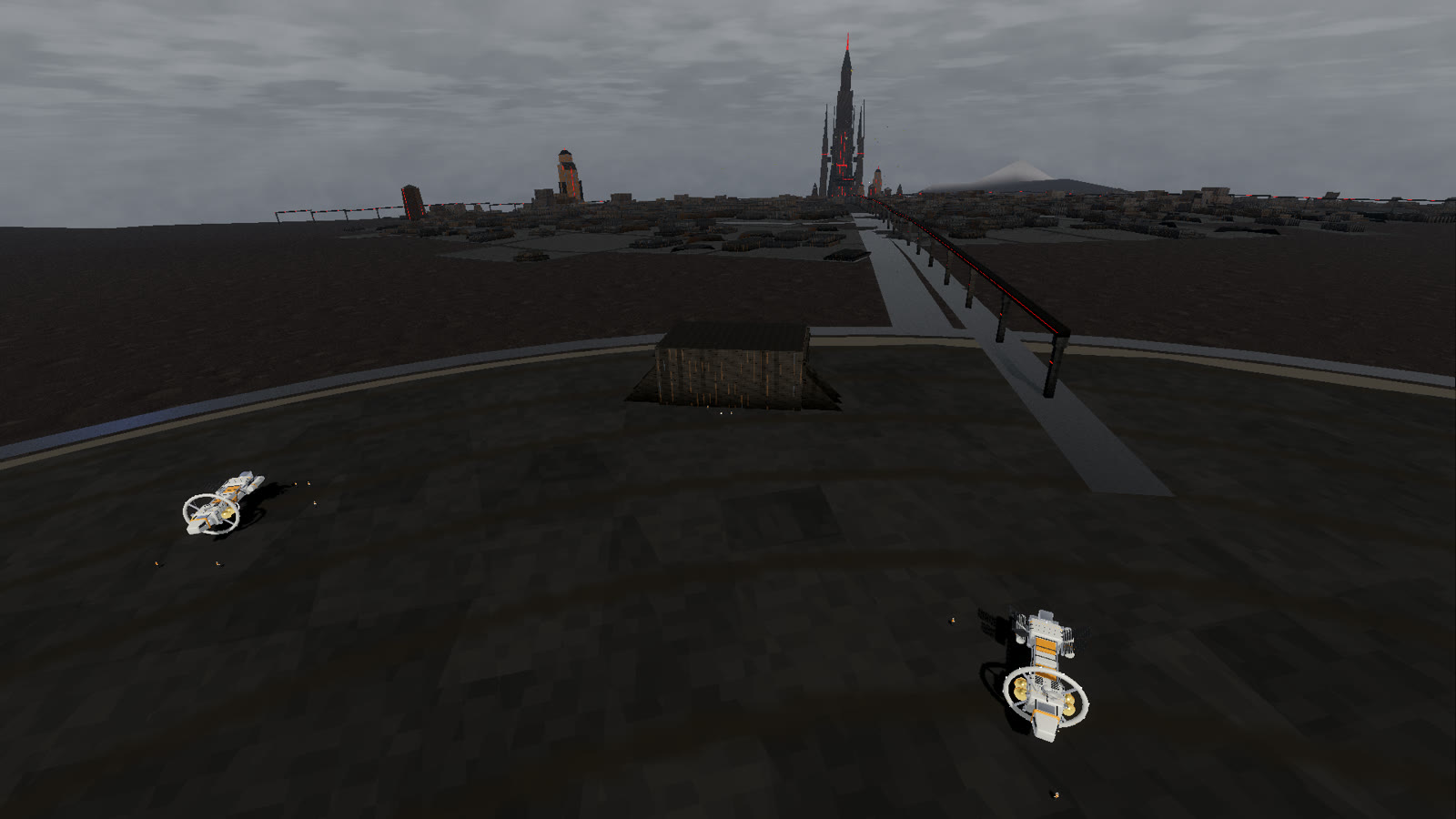
- Landing. Fly into a planet's atmosphere and press F. The ship descends to the nearest spaceport in twenty seconds: plasma on entry, a dive under the clouds, then a vertical drop onto the pad. During the last five seconds the camera leaves the cockpit and circles the ship. In multiplayer the server places you on the pad, so other captains see you there.
- A real cockpit. You now fly from the pilot's seat. The instruments are live: speed and throttle in the centre, radar on the left, ship status on the right. The stick and throttle move with your input. Hold the right mouse button to look around; C switches to the outside view.
- Cities. Every settlement is now a city with streets, districts, hills and its own skyline. The cities no longer change between versions: they are generated once, checked and stored with the game, so the bar you found yesterday is in the same street today. Kapıhan, the Dominion's capital, sits under a permanent overcast, with a citadel almost a kilometre tall at the end of its axis of gates.
- Spaceports at the edge of town. Ports sit outside the city, on flat ground, joined to the centre by a highway and a rail line. Ships of every type are parked around the pad, and ground crew in high-visibility vests walk between them and the terminal.
- Traffic. Air taxis and cargo drones fly lanes above the streets. In Kapıhan the low lanes pass under the gate arches.
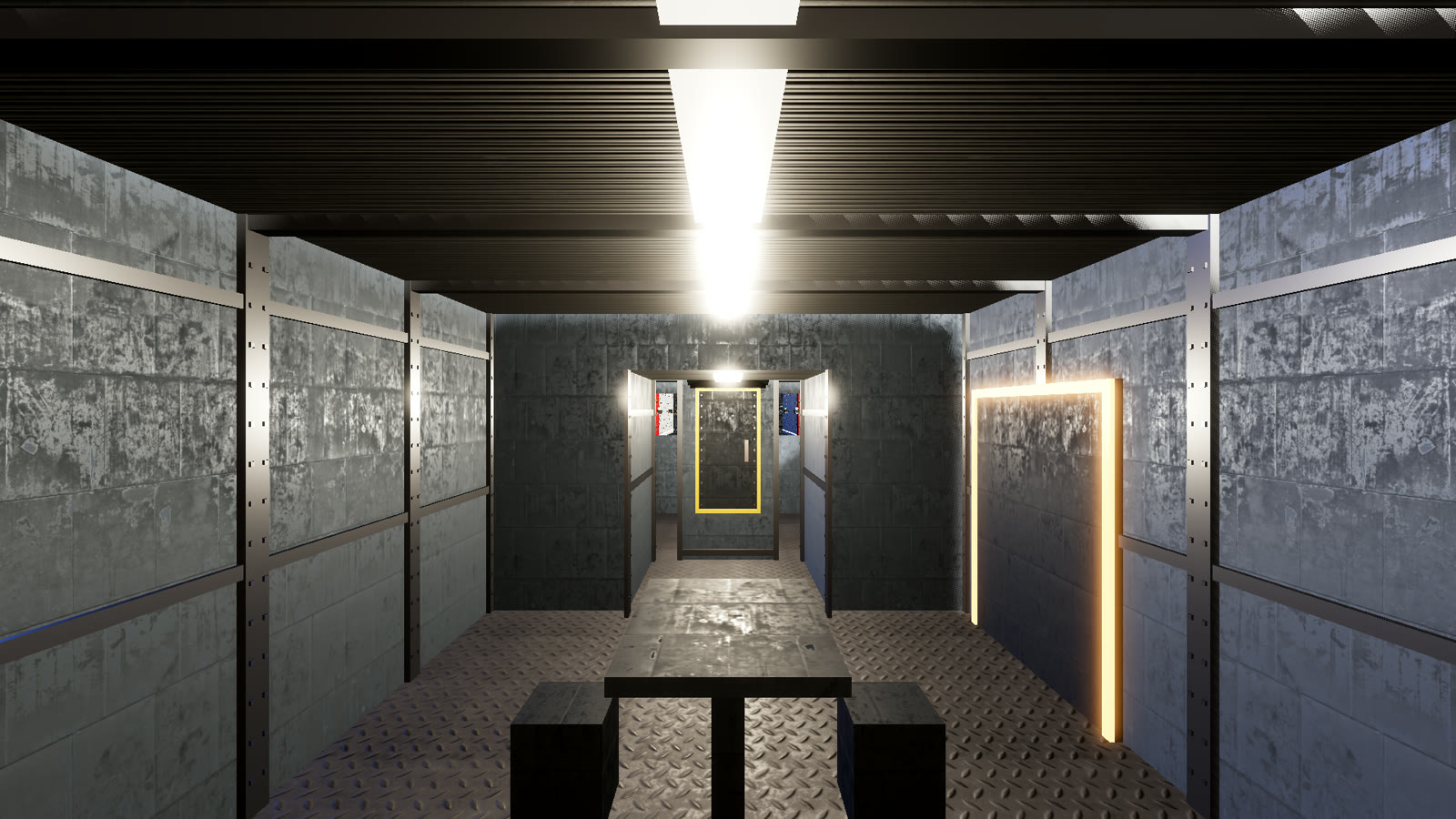
- Walk inside your ship. Press G to leave the seat and walk through the ship: cargo hold, crates and the hatch. The interior is riveted plate and worn metal, not clean plastic. For now this works on Herald Mk1 and Mk2.
- Bigger ships. All ships are 2.2 times larger than before, so that a person fits inside them. Collisions on the server use the same sizes.
- Credits. The title screen has a Credits page with the outside work we use (the cockpit model and textures) and the full third-party licence texts.
You need to update
v0.2.0 changes the network protocol and ship sizes. The v0.1.0 client cannot connect to the server any more; download v0.2.0 from the download page.
Known issues
- Walking inside the ship only works on Herald Mk1 and Mk2. The other frames get interiors later.
- Other captains see a landing ship appear on the pad straight away, not during its descent.
- You cannot leave the ship on the surface yet.
What comes next
Stepping out at the spaceport and walking into the city: the bars, job boards and markets are already placed in every city, waiting for doors that open. After that: combat.